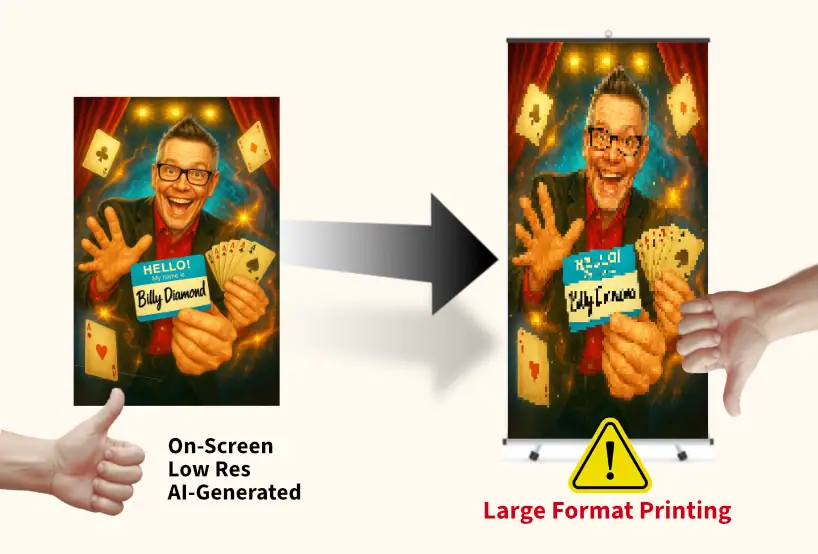
Proofread everything. Billy Diamond’s Branding For Entertainers is not responsible for typos, errors, or resolution problems contained in your art.
Check all proofs carefully. If something looks out of place, it’s easier and less expensive to fix before printing and shipping.
Do not include trim or color guides inside your file — we need clean, print-ready artwork.
Outline all text. In Adobe Illustrator: select text → click TYPE → choose Create Outlines to ensure we see your design exactly as intended.
Include linked images with your native file. If your design references external images, send the high-resolution images along with your layout file so we can verify them during preflight.
Important: Sending images by themselves does not make a file print-ready — they must be placed correctly in your layout at the proper size and resolution.
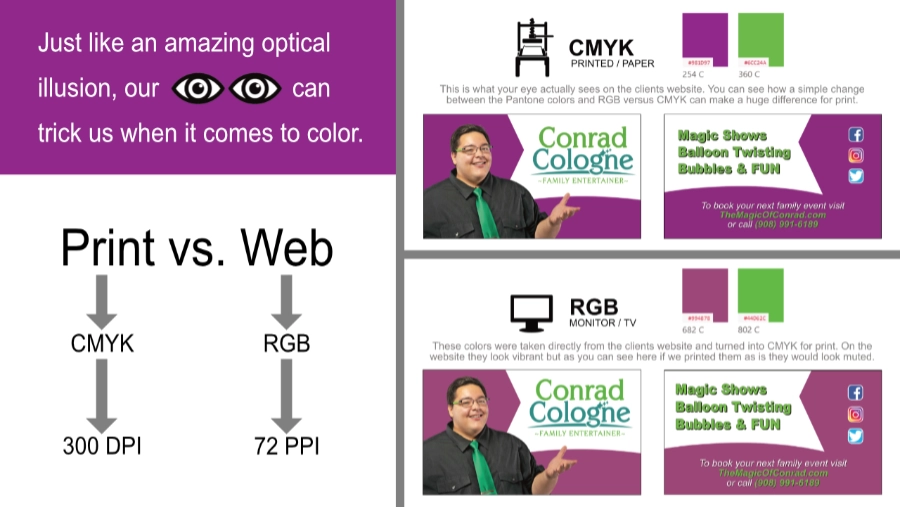
Send Pantone (PMS) colors for any critical colors.
Ask about a hard proof if color accuracy is critical.
Use flattened TIFF files for full-color designs that do not require Pantone matching. Build the file to full-size product dimensions, use CMYK color mode, and apply LZW compression when flattening to reduce file size.